A little more time together
Find a little time
for your people.
See when a friend has time, share what you’re up for,
and send a little hello.
Free during beta. macOS 14+ · iOS 17+
One friend is plenty
A small circle.
A little closer.
Your partner. Your best friend. Someone you wish you called more. Around makes a little room for the people already in your life.
Add each other by username or invitation link.
Share availability after you both agree.
Same people. Entirely your vibe.
A little more you.
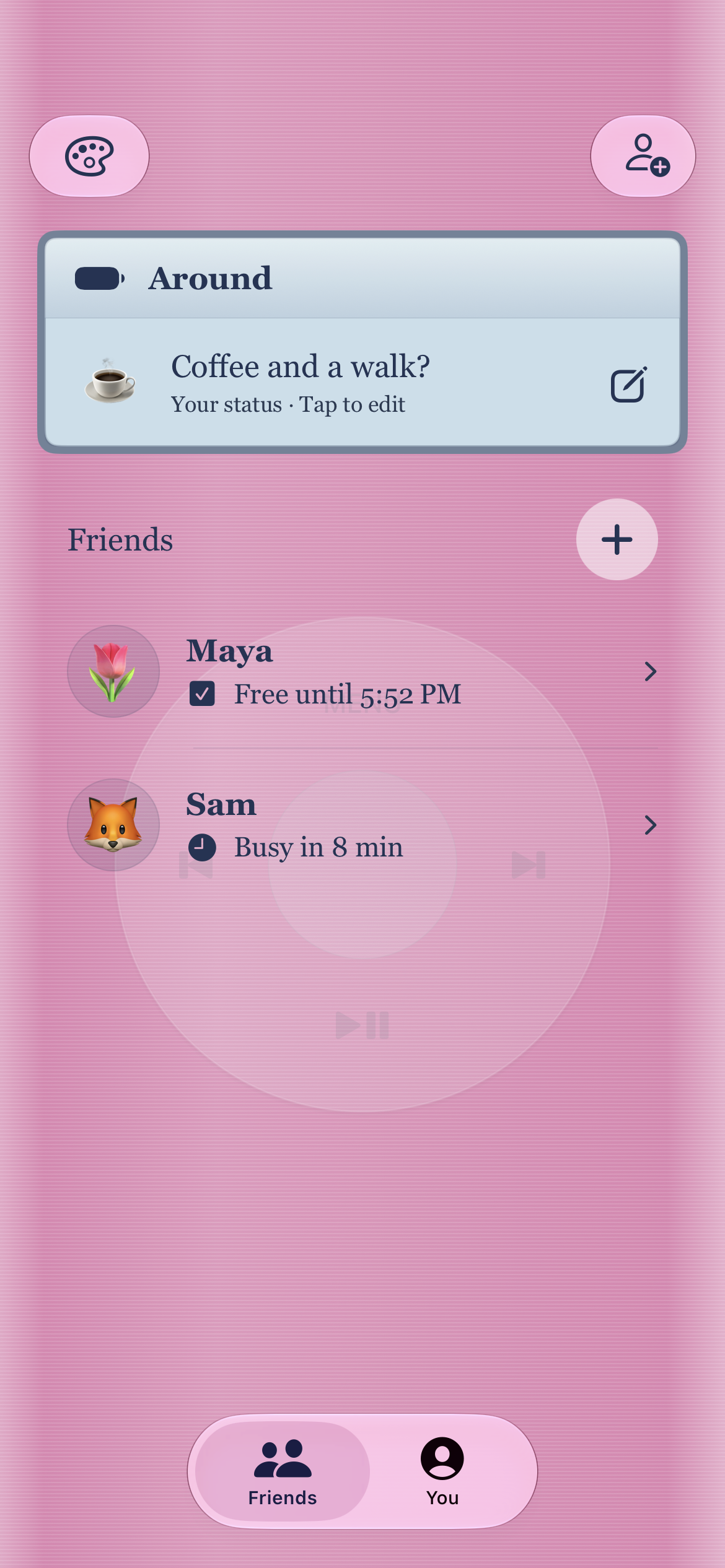
Eight themes. A few familiar feelings.
Make the app and your widgets feel like home.
Your current look
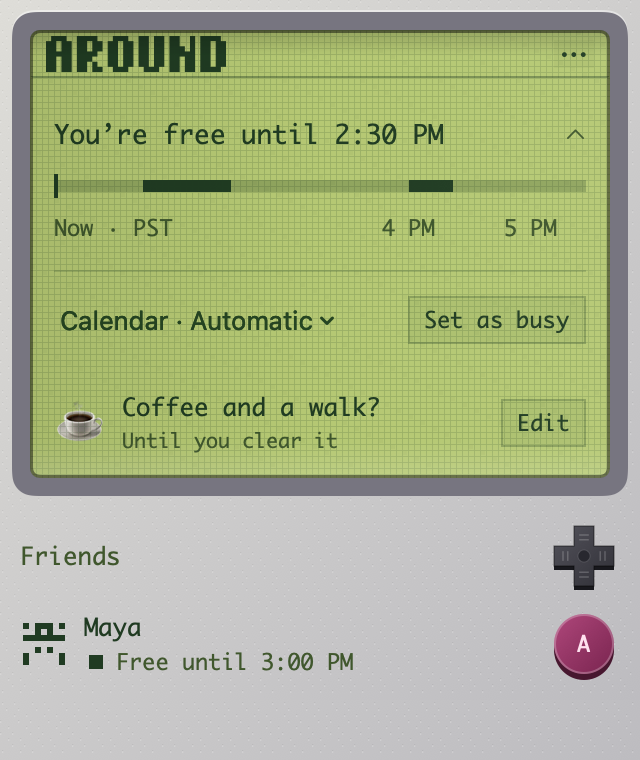
Game Boy
That green-screen glow. Pixel friends. A tiny hit of nostalgia every time you check in.
In the app.
On your Home Screen.
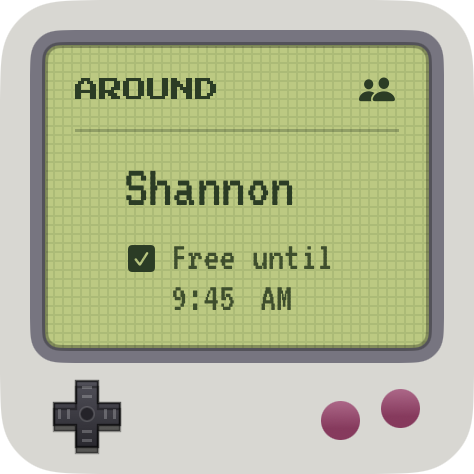
Inspired by the things we loved. Appearance themes don’t connect to those services.
Leave a little invitation
“Coffee and
a walk?”
Let your people know what you’re up for. Add a status, share a place label if you want, or send an emoji boop.
Small invitations make it easier to find a little time.
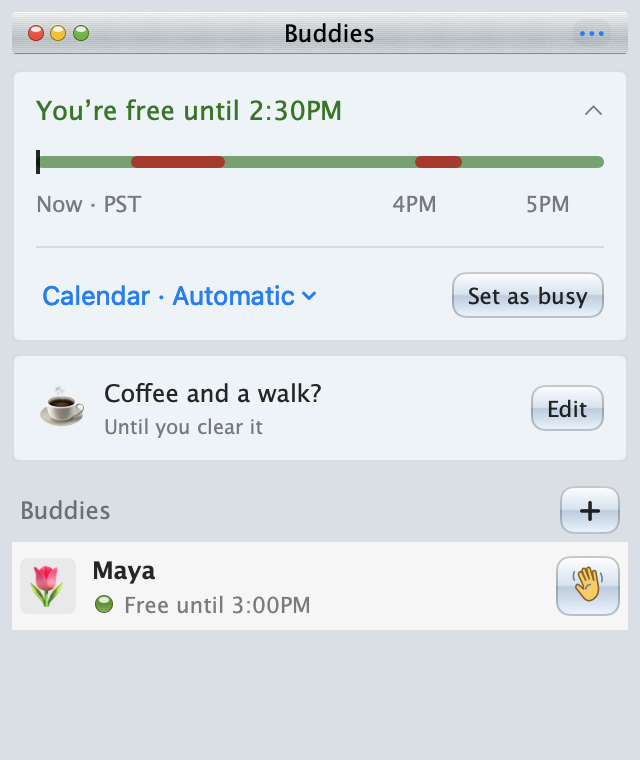
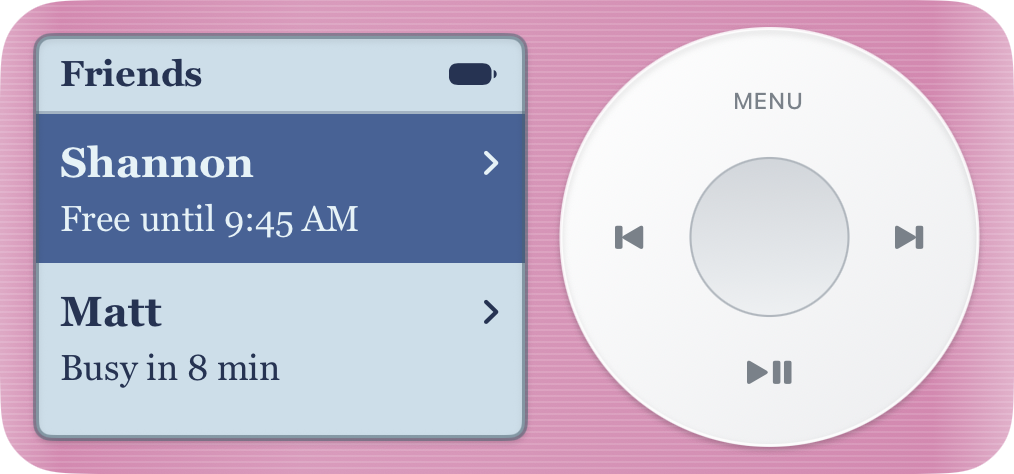
Your favorite theme. Your favorite people.
A glance, not a whole thing
Keep someone
close by.
Pick a person for your widget, or let favorites come first. Small and medium widgets bring their availability to your Home Screen.
Start on Mac, iPhone, or both.
Your account goes with you.
Only what you choose
Share the free time.
Keep the details.
Availability, not your agenda.
Friends see free or busy. Your calendar’s event titles and attendees stay out of view.
A place, not a pin.
Location is optional. Share a neighborhood or a label like “At home,” never exact coordinates.
Always your choice.
Calendars are optional, too. Set your availability yourself and stop sharing whenever you want.
A few good questions
Before you
come around.
Do I need both the Mac and iPhone apps?
No. Start on either, and use the same account if you add the other later. The Mac app is available now; the public iPhone beta is coming after Apple’s review.
Do I have to connect a calendar?
No. You can set your availability yourself, or connect selected calendars so Around can calculate free/busy times automatically. Friends never receive event titles or attendees. Google Calendar currently requires approved beta access; creating an Around account does not add you to Google’s tester list.
Does it update when the app is closed?
Connected Google calendars can sync in the cloud. iPhone Apple calendars upload up to 24 hours of busy times, with refresh timing controlled by iOS. Calendars available only on your Mac still need that Mac to update. Widgets refresh on iOS’s schedule, so availability is not a live guarantee.
What happens to location when I close the app?
On iPhone, friends see the last place you shared and when it was updated until you stop sharing. Your Mac can update while Around is running; its location label expires after 30 minutes without an update.
How do I add someone?
Create an account in Around, choose your username, and share it or your invitation link. You’ll share availability once the friend request is accepted. You only need one person to get started.
See you around
A little time
goes a long way.
Free during beta. macOS 14+ · iOS 17+
Questions or a little stuck? We’re here.